 FlowKeys
A KeyStrokes alternative for today's Mac
For years, KeyStrokes was the on-screen keyboard for people who couldn't use a physical keyboard on a Mac. It was retired in 2017, and as a 32-bit app it doesn't run on current versions of macOS. If you relied on it, here's what to use now.
What happened to KeyStrokes
KeyStrokes launched in 1999 and was sold by AssistiveWare. It had dwell typing and clicking, word prediction and several keyboard layouts, and it was many people's first way into a Mac. It was retired in 2017, once macOS gained its own on-screen keyboard. It's a 32-bit app, and macOS stopped running 32-bit apps with Catalina, so it won't open on a current Mac even if you still have a license.
What KeyStrokes users need from a replacement
- An on-screen keyboard that types into any app.
- Dwell for typing and clicking without pressing anything.
- Word prediction, so every word doesn't have to be spelled out.
- Something that works with a trackball, joystick, head pointer or eye tracker.
Your options today
Apple's Accessibility Keyboard
Built into macOS, free, with typing suggestions, dwell and a Panel Editor for custom panels. It's also the only on-screen keyboard that can appear on the login window. Turn it on in System Settings > Accessibility > Keyboard.
FlowKeys
FlowKeys is an on-screen keyboard for current Macs (macOS 15 Sequoia or later) that keeps the parts of KeyStrokes people relied on and adds what's possible now:
- Dwell on keys, the whole keyboard, or the whole screen, with separate timing for each, movement tolerance and dwell corners.
- Nine word suggestions in one row that learn your words. Nearly 4 in 10 words show up before you type a letter.
- Scan mode for typing with a single switch, key or mouse button.
- Dictation on the keyboard, with punctuation and filler words removed.
- Layouts: QWERTY, Dvorak, Colemak, Colemak-DH and AZERTY, and a keyboard you can resize to fit your screen.
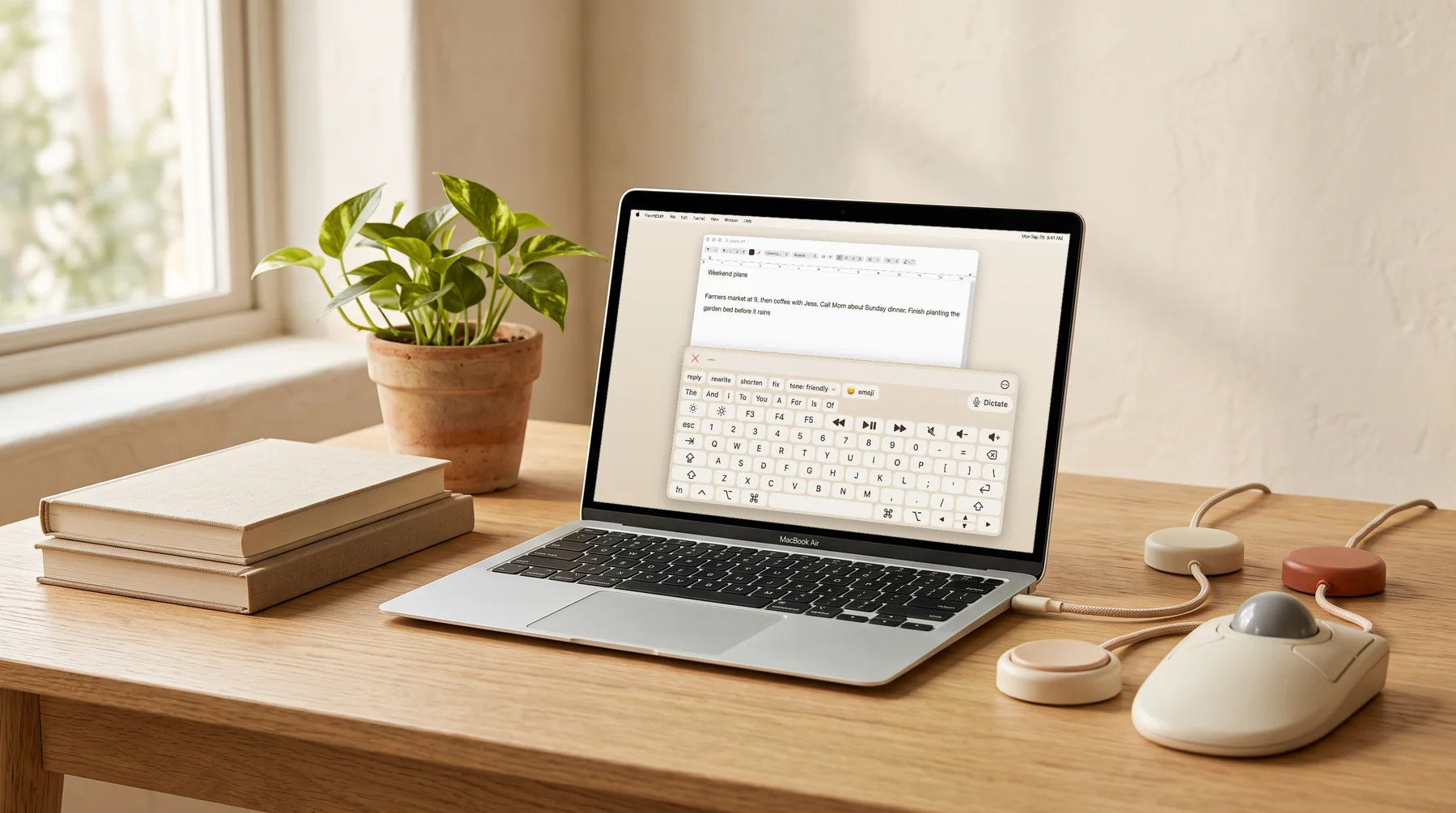
For a closer look at the built-in option, see FlowKeys and Apple's Accessibility Keyboard.
Common questions
Does KeyStrokes work on macOS Sequoia?
No. KeyStrokes is a 32-bit app and was retired in 2017. macOS hasn't run 32-bit apps since Catalina.
What replaced KeyStrokes on Mac?
Apple's built-in Accessibility Keyboard covers the basics for free. FlowKeys is an on-screen keyboard for current Macs with dwell, scan mode, nine learning word suggestions and dictation.